Point file properties
This dialog box shows the properties of the current point file, among them:
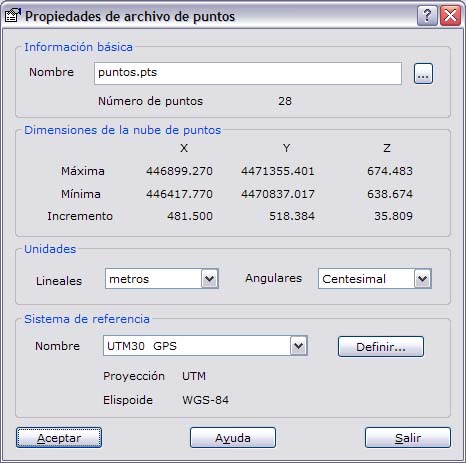
- Filename
- Number of points it contains
- Maxima and minima of the coordinates it contains.
- Linear units: Units in which the coordinates of the points are stored. You can choose between feet and meters.
- Angular units: Units in which the orientations of the points are stored. You can choose between grads, degrees and pseudodecimal degrees.
- Reference system: Shows the reference system to which the coordinates refer. This reference system directly affects the way the program computes. You can change the coordinate system by clicking the Define button.
Click the OK button to save the changes of the point file. Click the Exit button to close the dialog box.