Generate from TIN
This group contains the following tools for generating specific documents from a TIN digital model:
- Generate unions: generates connecting triangles between adjacent digital models, covering areas where neither document has triangles even though the models are close together. The program displays a dialog for adding adjacent files and specifying the maximum distance between points for generating connecting triangles.
- Fill gaps: generates new triangles in interior areas where none exist. After starting the tool, define the area to cover graphically with the left mouse button and finish with the right button. The area should include the boundary points that the program will retriangulate.
- Fill 3D gaps: fills gaps in a 3D surface up to a specified diameter, adding points that follow the surrounding curvature. Also works with walls, overhangs and closed surfaces.
- Fill one 3D gap: fills the gap in a 3D surface clicked with the left mouse button, regardless of its size, or just the part of its boundary inside a circle dragged while holding the button.
The Fill gaps icon has a 2, like the 2D triangulation icon, because it works in plan view. Fill 3D gaps and Fill one 3D gap have a 3; Fill one 3D gap also has the red and yellow badge used for tools operated by clicking on screen.
- Volume image: saves a volume calculation document as a georeferenced image, showing cut and fill areas in different colors.
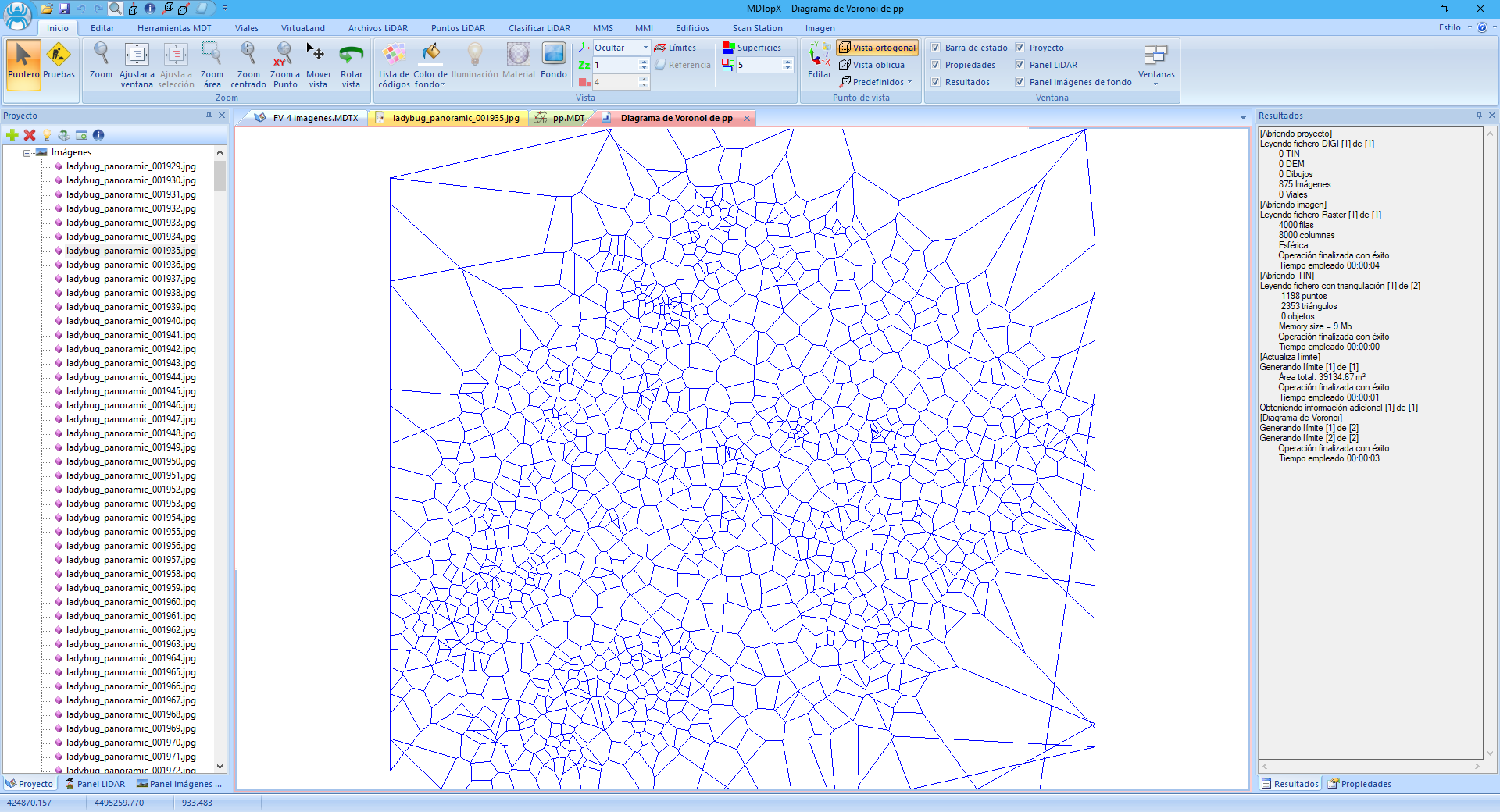
- Voronoi's Diagram: generates Voronoi diagrams representing each triangulation vertex's area of influence.