Thumbnails
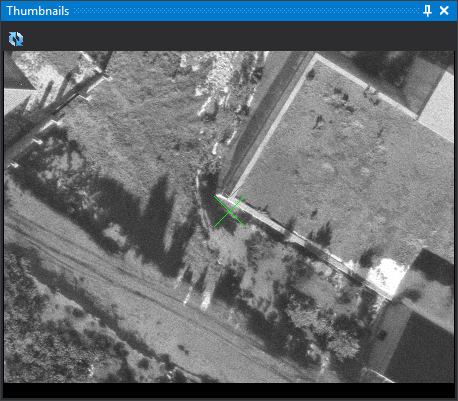
This pane shows a thumbnail of the point being measured: the image saved when that point was measured in an earlier orientation. A 31-pixel X at the pane's center marks its position so you can find it in the model. The X uses the photogrammetric window cursor color.
Thumbnail zoom matches photogrammetric window zoom and changes with it.
The pane appears automatically in the photogrammetric window when running AEROTRI (Aerial triangulation measurement in Photogrammetric window) and closes when it ends. It cannot be opened elsewhere.
Toolbar
- Rotate thumbnail: rotates the thumbnail 180°. Useful if the point was measured in a strip flown in the opposite direction. The button stays pressed while rotated.
Generating thumbnails
The pane only displays an image if thumbnails were saved when measuring:
- Enable Save thumbnail.
- Configure the folder and size under Thumbnails.
The pane reads <punto>.bmp, where <punto> is the point name, from the configured thumbnail directory. That directory is relative to the work directory.