Import/export parameters
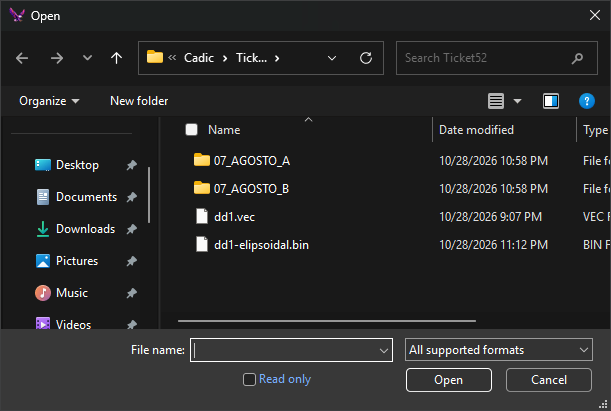
Digi3D.AI displays this dialog to request a file's importer/exporter parameters, for example for a DWG file. Each format's parameters are described on its page under Importers and exporters.
There are two versions, with the same title:
- After choosing the file in a command's Open or Save dialog, such as IMPORT, EXPORT or LOAD_F without parameters. This is the version pictured: it has only the property grid and buttons.
- When loading a file by name, for example with LOAD_F and a filename parameter, or when opening a drawing file whose saved reference files have no saved parameters. Above the grid it shows the file path, a notice and a link.
When it appears
After choosing the file, the dialog appears whenever the format has parameters, the command adds its own properties or the command supports a database. It shows the format's default parameters, if any, or the last parameters used for that format. It is only omitted if the drawing file project selected in New project has Configure import/export parameters selected (see Configure projects).
When loading a file by name, the dialog does not appear if:
- The format has no parameters to request.
- The format has default parameters set with Default or IMPORTATION_PARAMETERS.
Fields
- Digi3D.AI will create/load the following file: only in the version shown when loading by name. The path of the file to create or load; it cannot be edited. In some operations, such as LOAD_F with a filename parameter, it shows only the extension.
- Click here to learn how to prevent Digi3D.AI from showing this dialog box: only in the version shown when loading by name. Opens IMPORTATION_PARAMETERS, which sets a format's parameters without displaying this dialog.
- Command properties: some commands add their own category before Digi3D.AI Properties; those supporting a database add a category with the data model and connection string. Only in the version shown after choosing a file.
- Digi3D.AI Properties
- Default: with Yes, clicking OK saves these parameters as the format's defaults until Digi3D.AI closes.
IMPORTATION_PARAMETERSreplaces them with its own parameters. Some formats do not support this option. At startup it is Yes in the version shown after choosing a file and No in the version shown when loading by name; each version then remembers its last selected value until Digi3D.AI closes.
- Default: with Yes, clicking OK saves these parameters as the format's defaults until Digi3D.AI closes.
- Importer/exporter properties: the file format's parameters.
- OK: opens, imports or exports the file with these parameters. After choosing a file, the parameters are also saved as the last used for that format.
- Cancel: cancels the operation. Exception: with LOAD_F and a filename parameter, the dialog appears again with the full file path; Cancel in this second dialog cancels loading.
The dialog can be resized and retains its size and position.