Coordinate system selection
… beside Source coordinate system or Target coordinate system opens Select coordinate reference system.
Three areas:
- Categories on the left.
- Selection for the active category on the right.
- Details and Copy WKT, Export .prj… and Save to favorites below.
Choose a system and click Select, or double-click it. Select is enabled only for a valid system. Cancel closes without changing the system.
Reopening restores the category and options used to select the current system.
Categories
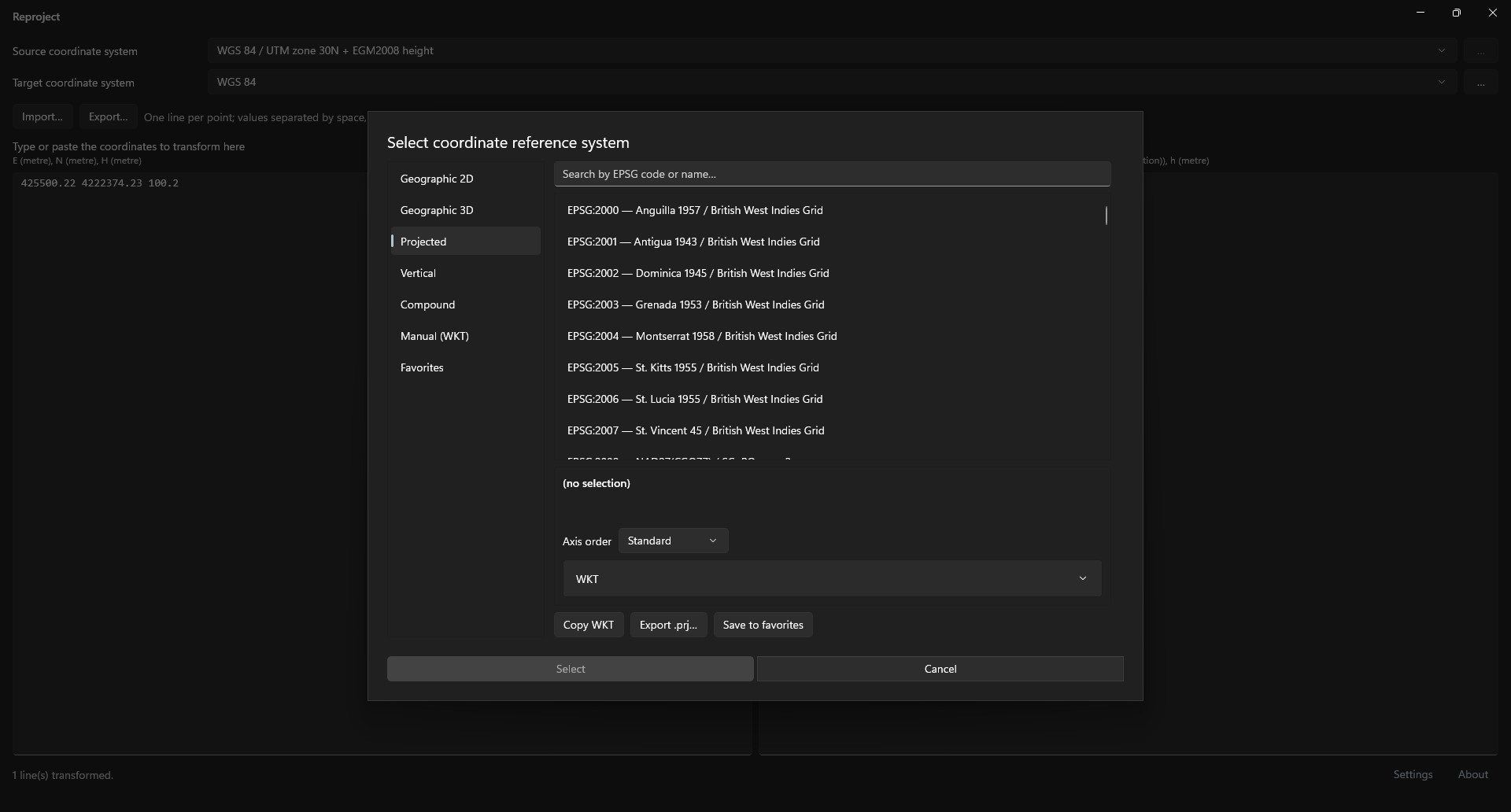
| Category | Contents |
|---|---|
| Geographic 2D | EPSG two-dimensional geographic systems. |
| Geographic 3D | EPSG three-dimensional geographic systems. |
| Projected | EPSG projected systems. |
| Vertical | EPSG vertical systems. |
| Compound | Horizontal and vertical system combination. |
| Manual (WKT) | System defined by WKT text. |
| Favorites | Systems saved with Save to favorites. |
Find a system
Geographic 2D, Geographic 3D, Projected and Vertical list their systems in EPSG code order. Search by EPSG code or name… filters while typing:
- Every word must appear in the system name or code, in any order.
- Search ignores case, spaces and punctuation within each word.
Example: WGS84 30N finds WGS 84 / UTM zone 30N.
Compound system
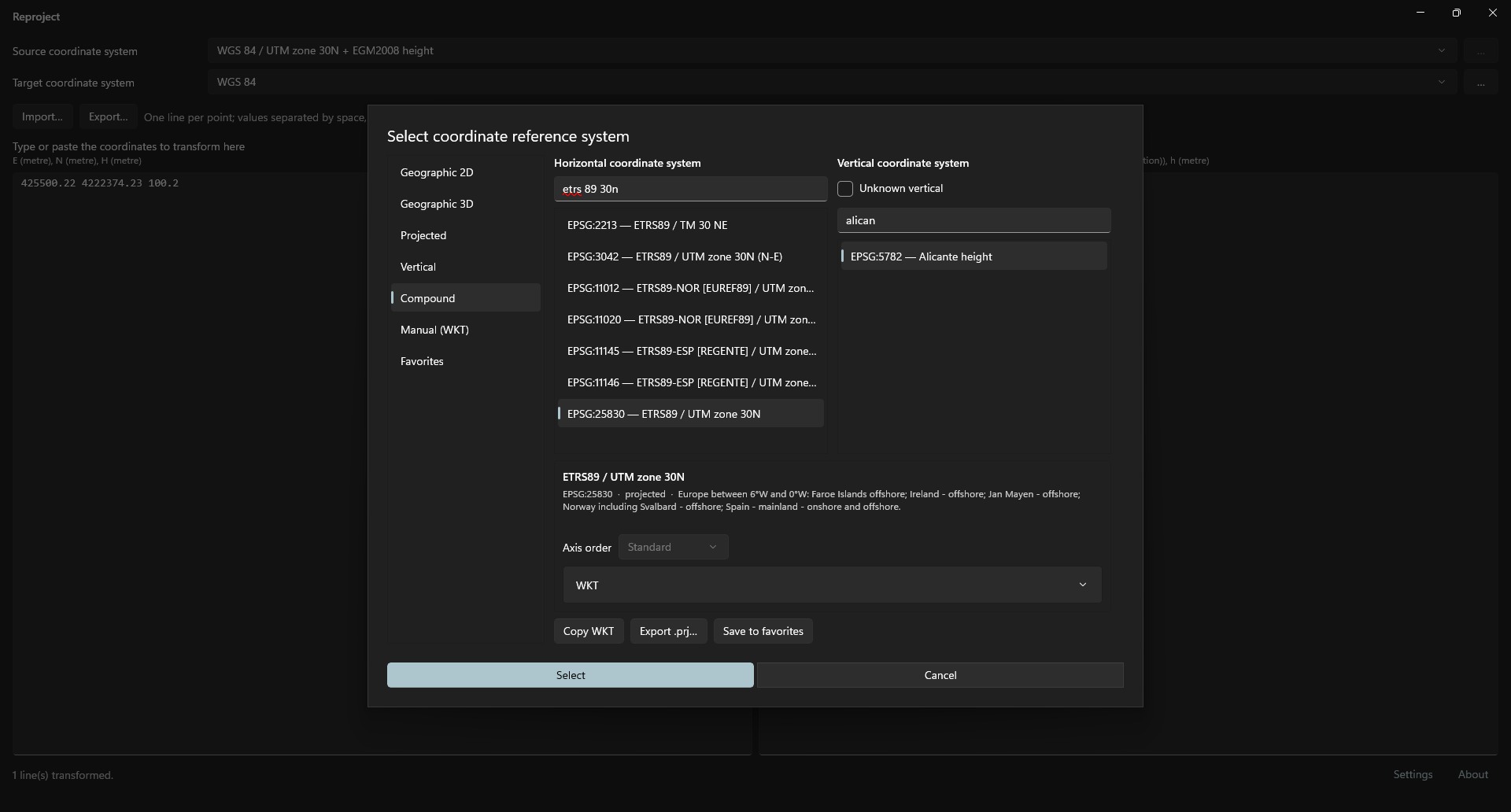
Compound has two lists:
- Horizontal coordinate system: projected, geographic 2D and geographic 3D systems.
- Vertical coordinate system: vertical systems.
Each has a search box with the same rules as above. The result is named horizontal + vertical.
Selecting Unknown vertical disables the vertical list and selects the horizontal system alone.
System defined by WKT
Manual (WKT) uses a system outside EPSG:
- Paste WKT into the text box or click Import .prj… to read
.prj,.wktor.txt. - Click Validate. Valid WKT shows the system name in details; invalid WKT shows the error.
Importing validates automatically, without Validate.
Favorites
Save to favorites stores the selected system by name. Favorites shows the list alphabetically. Remove deletes the selected favorite.
Details
Shows the selected system's:
- Name.
- EPSG code, type and area of use.
- Datum, prime meridian and ellipsoid.
- Axis order.
- WKT in the expandable WKT section.
Axis order
Three options:
- Standard: EPSG axis order, shown in parentheses for the selected system.
- East-North.
- North-East.
Enabled only for geographic and projected systems in Geographic 2D, Geographic 3D and Projected. Changes the order in which main-window values are entered and read.
Copy and export the definition
- Copy WKT copies the selected system's WKT to the clipboard.
- Export .prj… saves WKT to
.prj(ESRI projection) or.wkt.