Commands
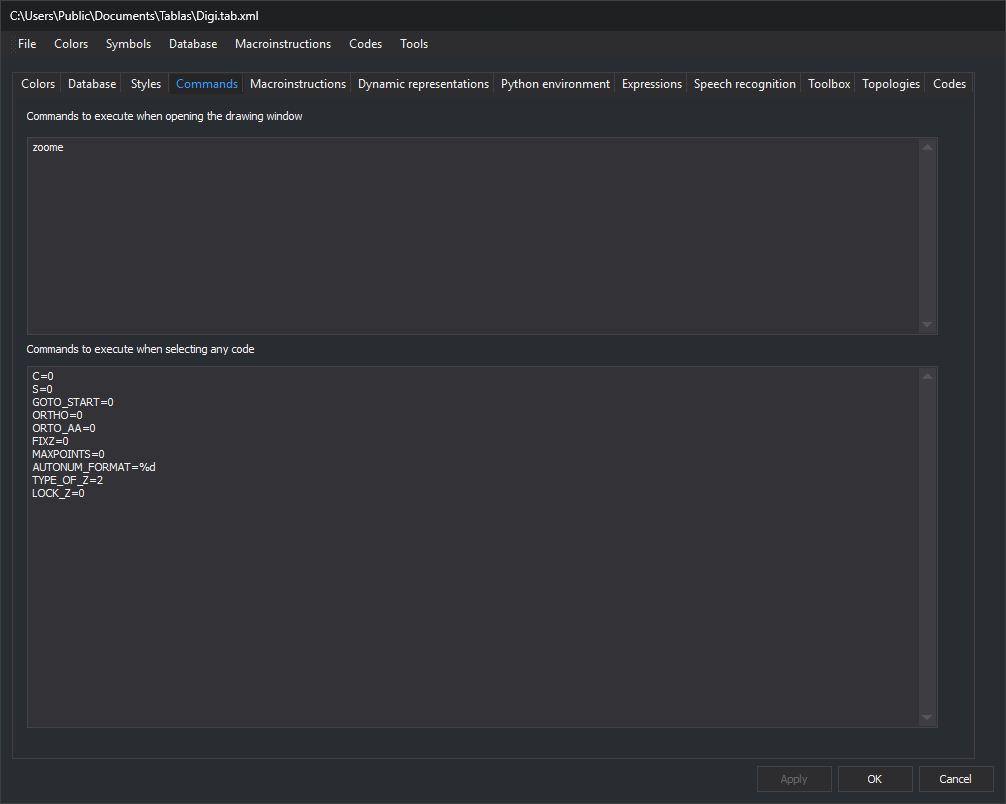
Configure commands that Digi3D.AI runs automatically in the drawing window with this code table loaded. Each text box accepts one command per line.
Startup commands
Commands to execute when opening the drawing window: commands run when opening a drawing window with this code table.
For example, this zooms to the model extents when the window opens:
zoome
Commands to execute when selecting any code
Commands to execute when selecting any code: commands run whenever the active code changes, regardless of code. Code-specific commands use Command (selecting code) on Codes.
For example, these disable certain variables when changing code:
C=0
S=0
GOTO_START=0
ORTHO=0
ORTO_AA=0
FIXZ=0
MAXPOINTS=0
AUTONUM_FORMAT=%d
TYPE_OF_Z=2
LOCK_Z=0
Apply or OK applies changes from this tab to the code table.