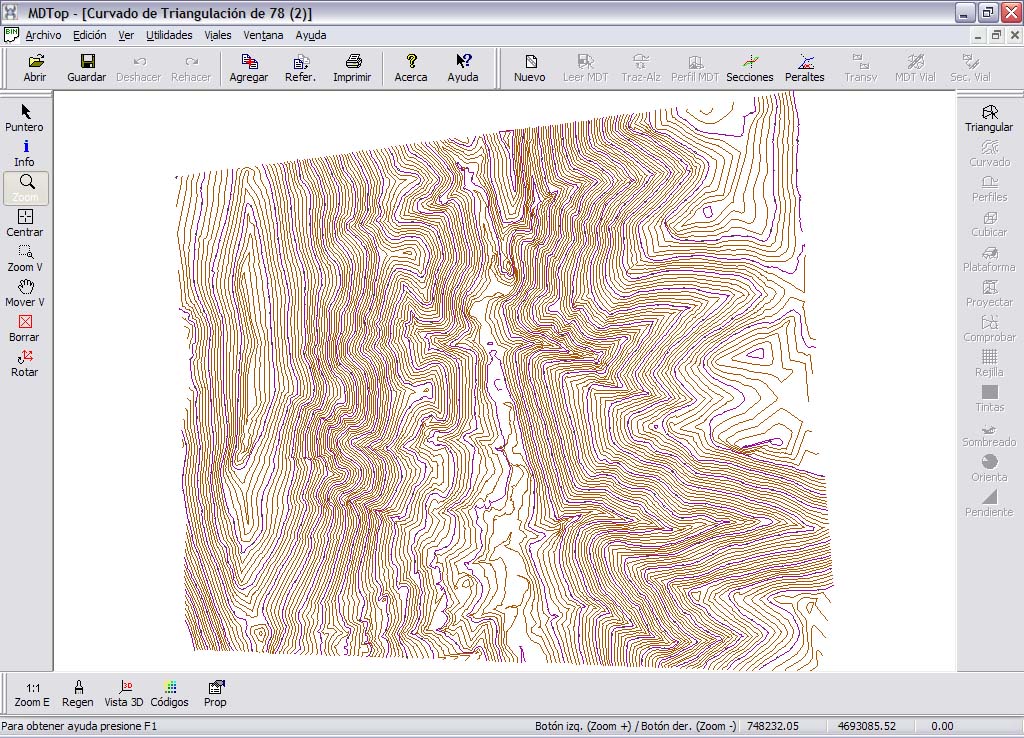
Example 5: Contouring from existing contours
Objective
Generate five-meter contours for an area compiled using only five- and twenty-five-meter contours.
Input file
- 78.BIN: DIGI BIN file containing photogrammetric compilation.
Procedure
- Load 78.BIN using Open from the MDTopX button, selecting DIGI files.
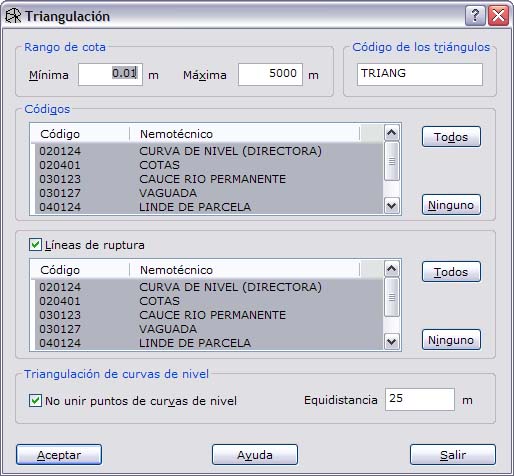
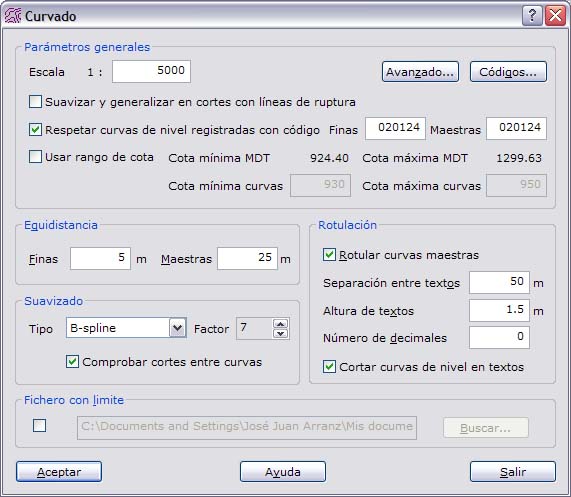
- Run Triangulate on the DTM tools tab to generate a digital terrain model from the mapping. Select which lines are breaklines and which lines to use to calculate the model.
Output files
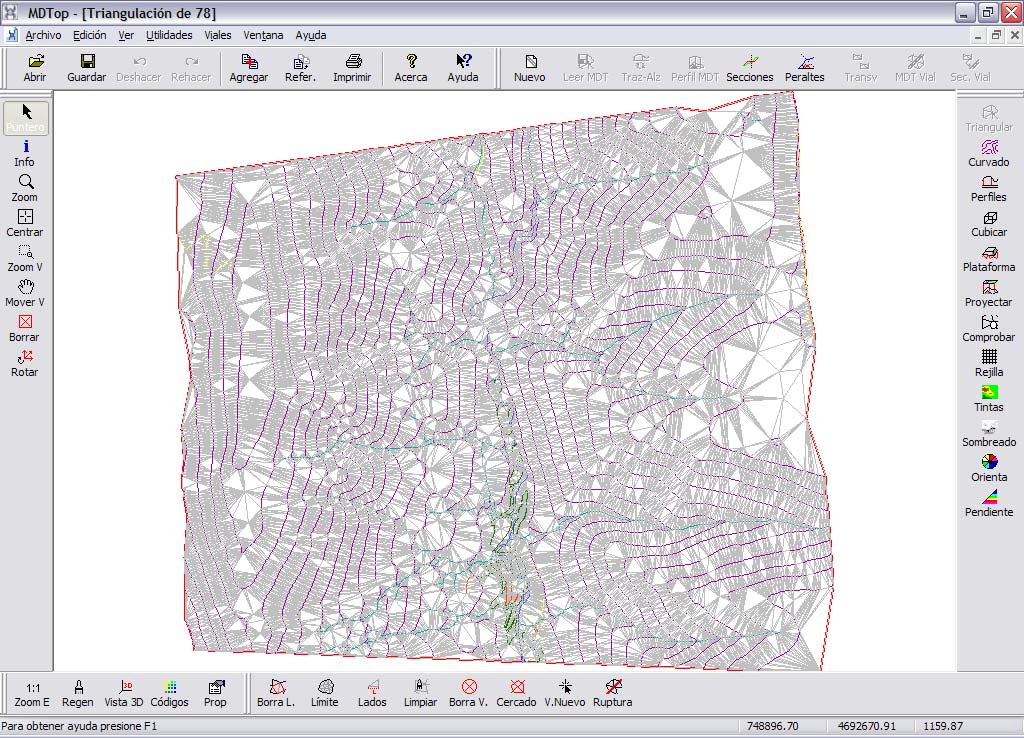
- TRIANGULACION DE 78.MDT: digital terrain model in MDTop's native format. Not included to save space.
- CURVADO DE 78: drawing containing the new contours. Save it for editing as DIGI BIN, AutoCad DXF or MicroStation DGN.