Dynamic help
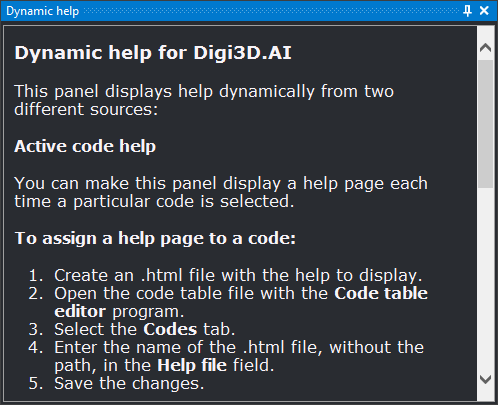
This pane shows HTML help pages. Initially it shows a page explaining its configuration. It then shows:
- Help for the selected code. Whenever a code with an assigned help file is selected, the pane shows that file. To configure it:
- Enter the .html filename in the code's Help file field in the Code table editor.
- Enable Show help by code in Configuration.
- Set Code help directory to the folder containing the .html files.
- Help for a database field. Selecting a field in Database fields shows it in Dynamic help with the same title as in Database fields (name, title or both, according to Name to show), its description and, if it has a value list, a table with each value, title and description.
- Any HTML document specified with SHOW_HELP, for example from a macro. The command shows the pane and loads the document only if the file exists or the location is a web address.
Showing the pane
Show it in either way:
- Click its button on the Panes toolbar.
- Select Help/Dynamic help.