Select style
This dialog chooses one of the code table's styles. Opened by:
- Add for representations in Codes, adding a representation with the selected style to the code.
- Delete in Styles, when a code uses the deleted style and a replacement must be chosen.
- Tools/Tests/Codes/Codes with nonexistent styles, to replace missing styles. See Tests.
- Codes/Import codes from ArcGIS workspace definition file..., after ArcGIS version. Its title is then Select the style to assign to the points.
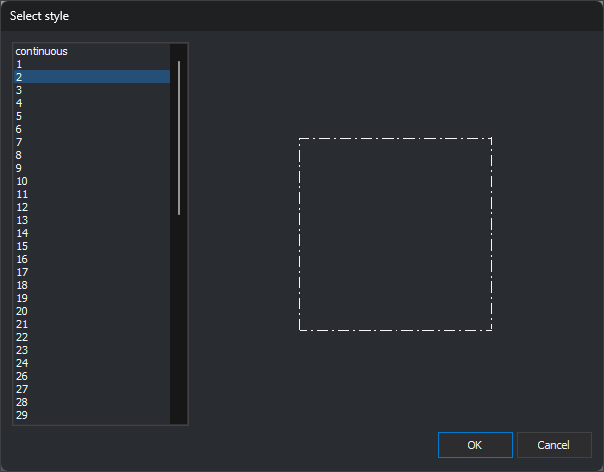
Controls
- Style list: code table styles in Styles tab order. Initially the first is selected. Double-clicking is equivalent to selecting a style and clicking OK.
- Preview: to the right, draws a square with the selected style in the theme's text color.
- OK: closes with the selected style. Does nothing if none is selected.
- Cancel: closes without choosing a style.
The dialog is resizable: the list grows vertically and the preview in both directions. OK saves its position and size for next time.