Aerotriangulation measurement
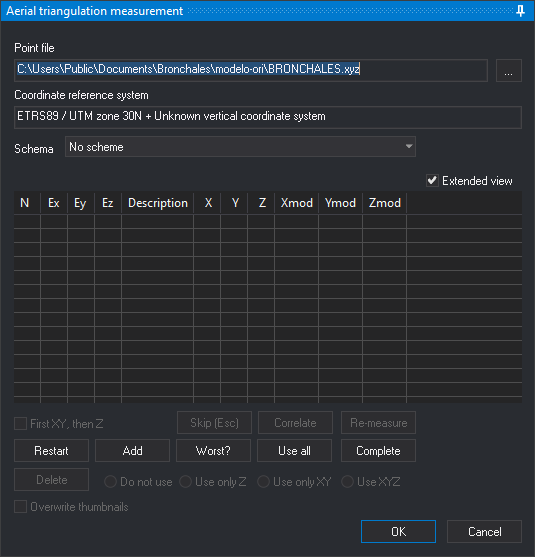
This pane lets you measure the aerotriangulation points and control points of the model loaded in the photogrammetric window. The pane appears when you run the AEROTRI command, which you can also run with the T button of the photogrammetric window toolbar.
The pane has the same controls as the pane of the ABSOLUTE_ORI command, with the Schema drop-down list, which selects the aerotriangulation pattern used to go through the points, and with the differences in the Add and Accept buttons that the Aerial triangulation measurement pane section of the AEROTRI command describes.
When you click Accept, Digi3D.AI writes to the project's Aerotriangulación folder a .mod file with the model coordinates of the measured points and one photocoordinates file per photo. For a usage example, see Measuring aerotriangulation for model 107-108.