Dynamic representations
This tab saves dynamic representation rule lists in the code table. Each comes from a .representations file created with ASSIGN_REPRESENTATIONS.
Rules are Python functions in Python environment with the @dynamic_representation_rule() decorator. A .representations is a text file with one rule and its parameter values per line.
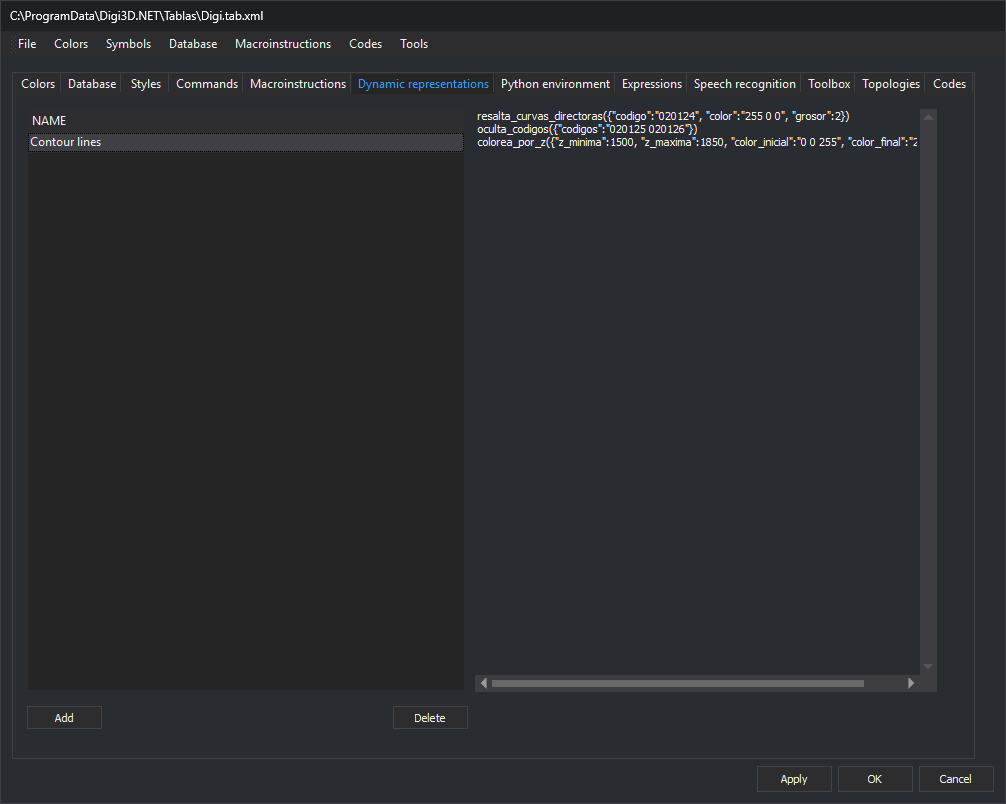
Controls
Representation list (Name column): one row per dynamic representation in the code table.
Contents: read-only text box showing the selected representation's contents.
Add: opens Open to select a
.representations. Its filename without extension becomes the name; file text becomes its contents. If the name exists, its contents are replaced.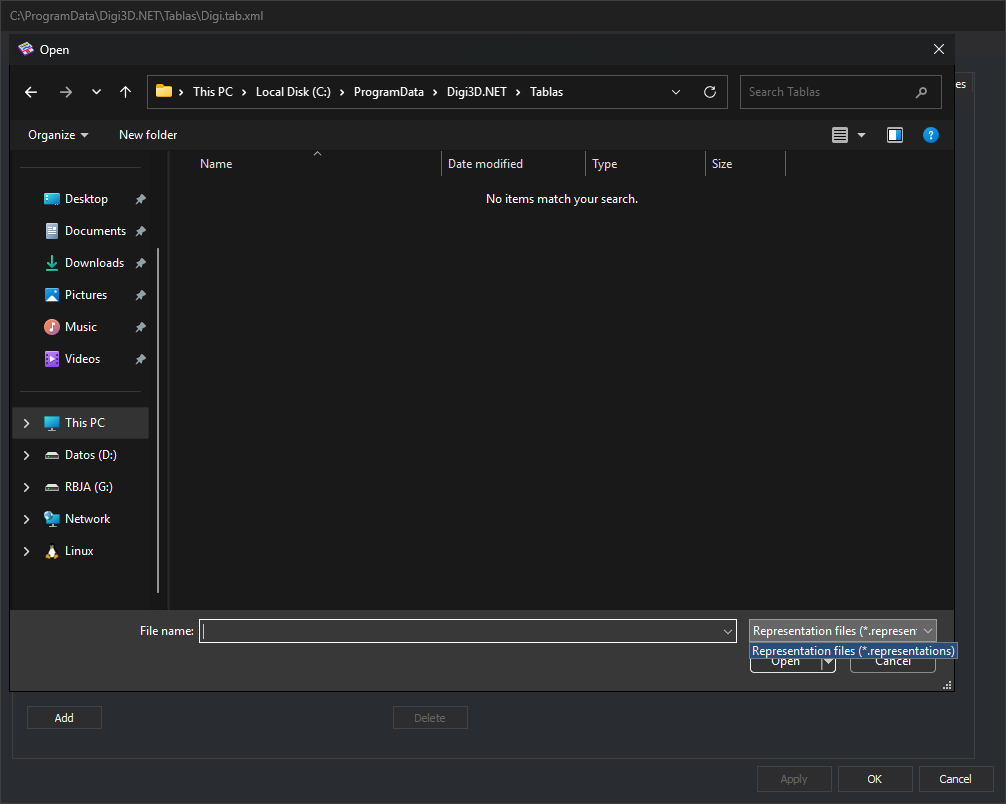
Delete: deletes the selected representation. Enabled with a selected row.
To change a representation, edit the .representations file and add it again.
Where they are used
With the code table active in the drawing window, its dynamic representation names appear under View/Dynamic representations. Selecting one applies its rule list to geometry rendering. DYNAMIC_REPRESENTATION applies the named rule list supplied as its parameter.
Changes apply to the code table with Apply or OK.