Macroinstructions
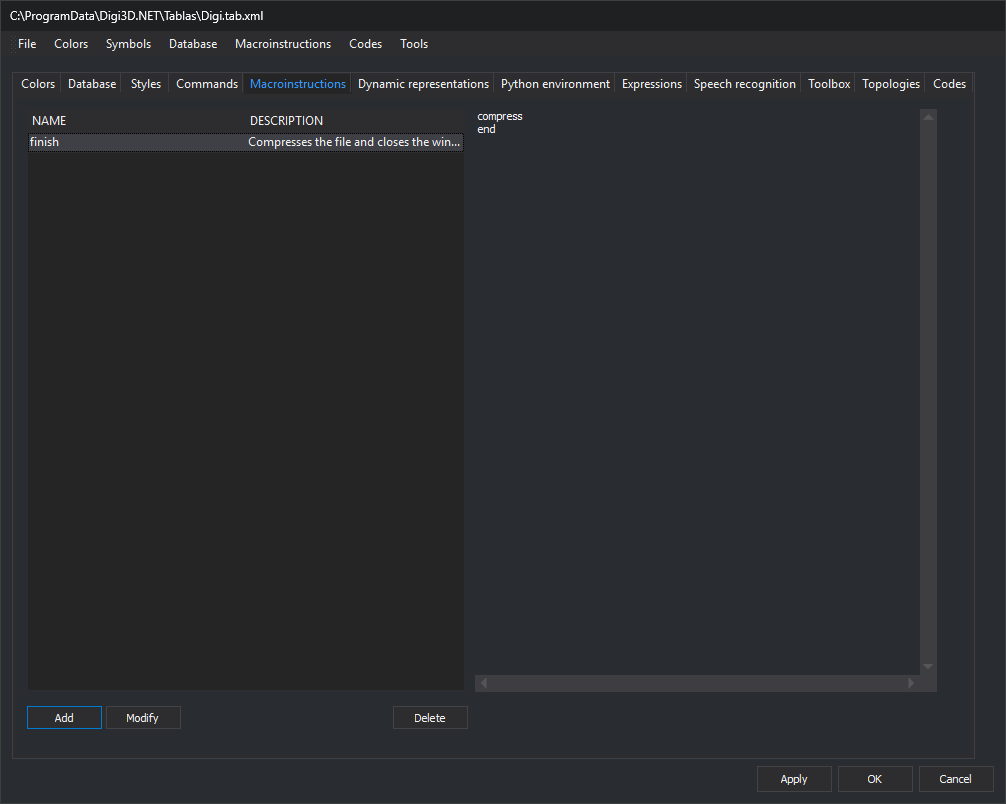
Store macroinstructions in the code table on this tab. A macroinstruction is a named command list.
Controls
- Macroinstruction list, with Name and Description columns.
- Content: the box on the right shows the selected macroinstruction's commands without allowing edits.
- Add: open New macroinstruction, requesting Name and Description (optional). If that name already exists, ignoring case, display a message and do not add it. Otherwise, open Code editor to enter commands, one per line.
- Modify: open Code editor with the selected macroinstruction's commands. Its name and description remain unchanged.
- Delete: delete the selected macroinstruction.
Modify and Delete are enabled when a row is selected.
Macroinstructions menu
Import macroinstructions from folder... requests a folder and adds one macroinstruction per file whose name starts with @. The macroinstruction name is the file name, and its content is the file's lines. Existing names are not checked.
Apply changes to the code table by clicking Apply or OK.