Error creating the backup directory
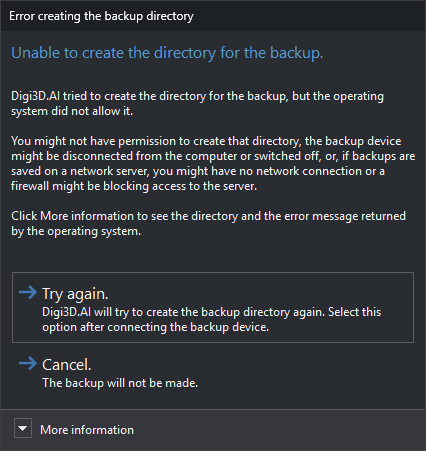
Before making a backup, Digi3D.AI creates the destination directory if it does not exist. The backup file path comes from Backup destination or, when backing up during compression, Backup destination when compressing. Digi3D.AI displays this dialog when the operating system prevents creating that directory.
The dialog appears with BAK, automatic backups made at intervals, and backups made on exit or compression.
Contents
- More information: operating system error message and directory Digi3D.AI attempted to create.
Buttons
The dialog has no close button. Esc is equivalent to Cancel..
- Attempt again.: tries to create the directory again. If it fails again, the dialog reappears. Use after connecting the backup device or restoring network access.
- Cancel.: no backup is made.
Unable to create backup
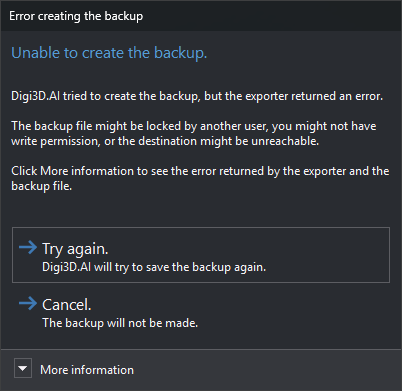
If the directory exists or has been created, Digi3D.AI writes the backup. If the drawing file format exporter returns an error, Digi3D.AI displays Unable to create backup., with the window title Error when creating backup. This dialog behaves in the same way:
- More information: exporter error message and backup file path.
- Try again.: tries writing the backup again. If it fails again, the dialog reappears.
- Cancel. (or Esc): no backup is made.