Installing the program
This section explains how to install MDTopX on your hard disk and start the application. Before starting, check that you meet the minimum System requirements.
- Download the MSI installation file from www.digi21.net.
- Run the file.
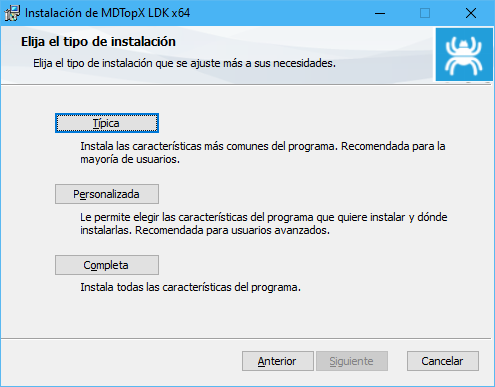
- Follow the installer's instructions to specify the destination directory and optional modules to install. The options are:
- Typical: installs all additional files except examples.
- Custom: lets you select the files to install.
- Complete: installs all files, including examples.
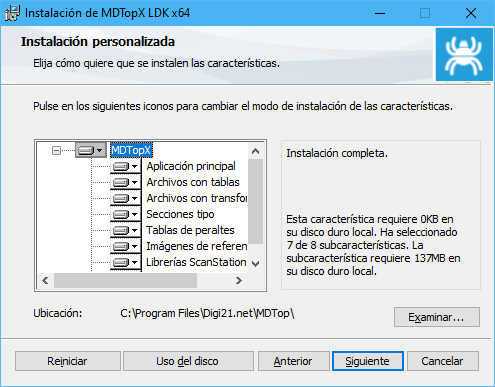
- With Custom, you can choose which files to install:
- Main application.
- Code table files.
- Transformation grid files.
- Templates: installs a default templates file. Do not install this file if you have created your own templates. It is installed in the program's installation folder as Secciones tipo.dat.
- Superelevation tables: installs a default superelevation tables file. Do not install it if you have created your own tables. It is installed in the program's installation folder as Tablas peraltes.dat.
- Reference image file.
- ScanStation library.
- Examples.