Speech recognition
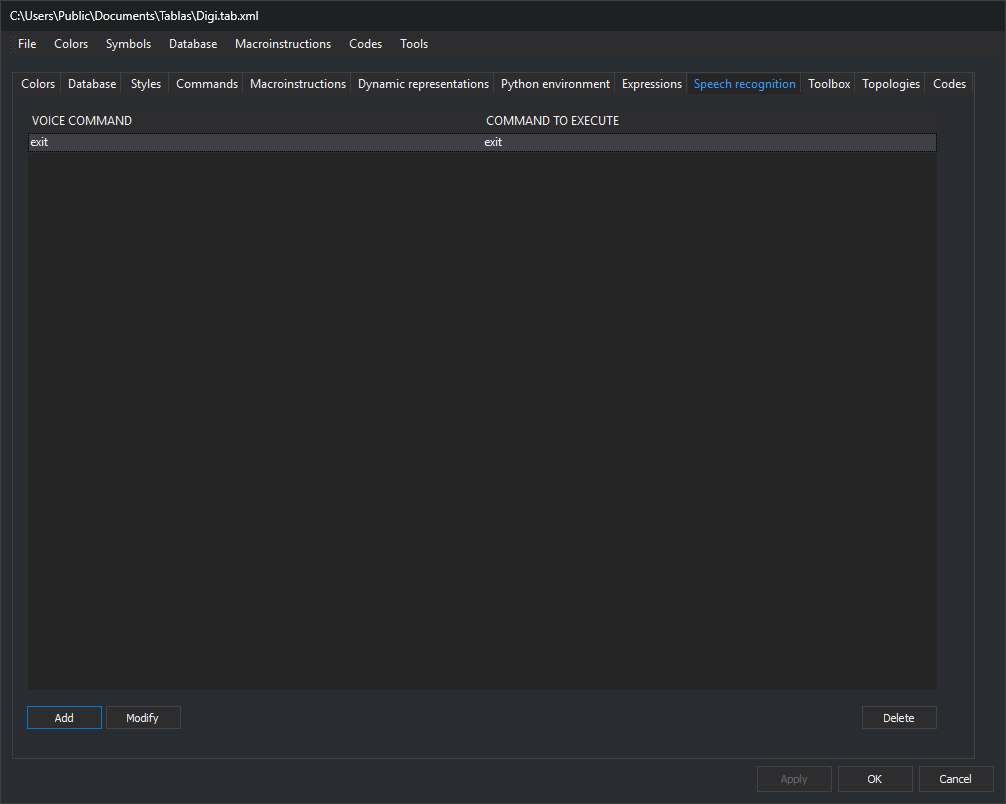
This tab configures phrases associated with commands. When Windows speech recognition recognizes a phrase, Digi3D.AI runs its command. Speech recognition is active only with SPEECH_RECOGNITION enabled.
Controls
- Command list, with Voice command and Command to execute columns.
- Add: opens Voice command, with two fields:
- Voice commands (separated by semicolons;): one or more phrases triggering the command, separated by
;. - Command to execute: command run when any phrase is recognized.
- Voice commands (separated by semicolons;): one or more phrases triggering the command, separated by
- Modify: opens Voice command with the selected entry's data.
- Delete: deletes the selected entry.
Modify and Delete are enabled when an entry is selected.
Changes apply to the code table with Apply or OK.