Laser document properties
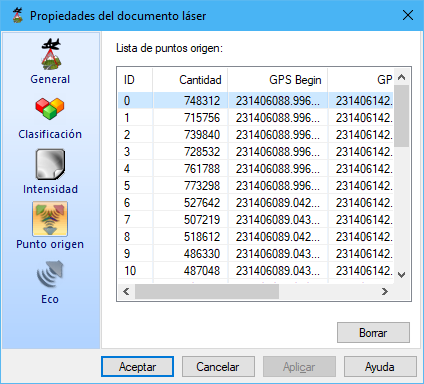
This dialog displays characteristics of a document containing laser data. The subdivisions of the information appear on the right.
Information is organized as follows:
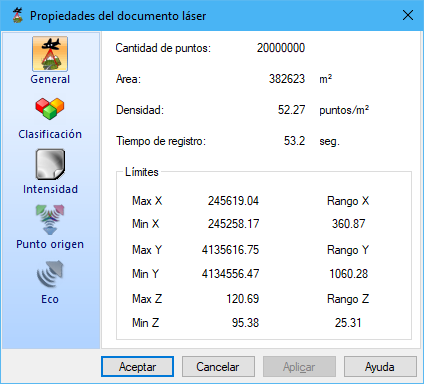
- General: point count, covered area and point density.
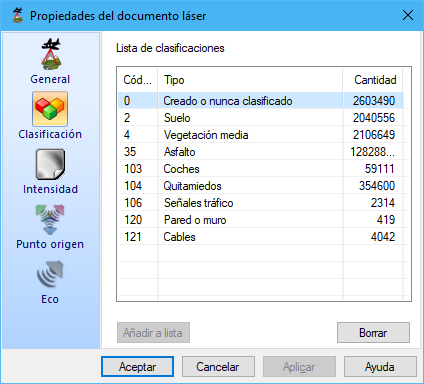
- Classification: point counts grouped by assigned LiDAR classification. Select types and click Delete to remove them from the current file. A missing description may mean the type is absent from the Classification list; use Add to list.
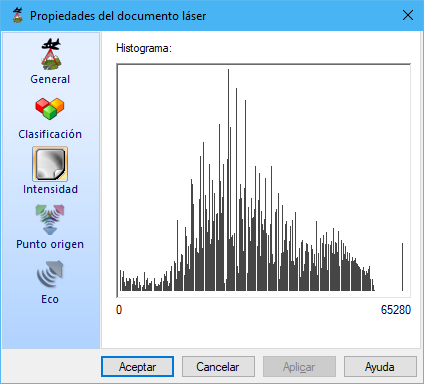
- Intensity: histogram of points by recorded intensity.
- Source point: point counts grouped by measurement origin. Select origins and click Delete to remove them from the current file.
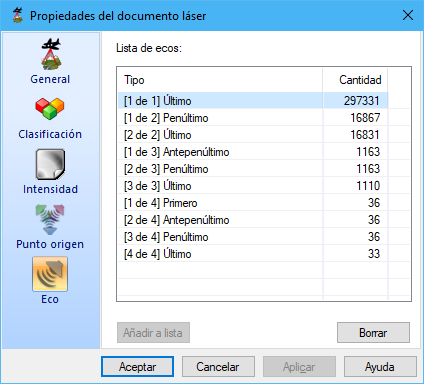
- Echo: point counts grouped by recorded return. Select types and click Delete to remove them from the current file. A missing description may mean the type is absent from the Echo list; use Add to list.