Step 5.2: Selection of fixed directions
If you chose to enter fixed directions, in the next step of the adjustment you must select the file that contains those directions, which remain fixed during the adjustment.
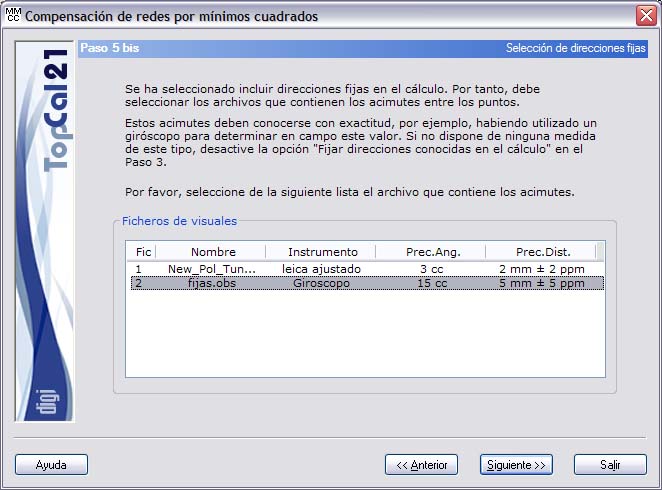
This option is available to enter those directions whose azimuth is known without prior computation, for example, because a gyroscope has been used. The program keeps the azimuth of these directions and modifies the rest of the observations.
Once the relevant options have been selected, you can click the Next button to go to Step 6: Displacements and horizontal accuracies or go back to Step 5: Weights and residuals of the horizontal observations by clicking the Back button.