Topcal21 now runs in your browser
Topcal21 now runs in your browser: https://topcal21.ai.
For 30 years, Topcal21 has been a Windows desktop program. Starting today, you can also use it from your browser, with nothing to install, using the same digi21.net account.
The same calculations as the desktop program
Topcal21 web uses the same formulas and algorithms as the desktop program:
- 📐 Radiations, traverses, forward and inverse intersections, Hansen, mixed bisection, altimetry, stakeout, areas, triangle closure and field book generation.
- 🧮 Least squares adjustment of 2D and 3D networks, geometric levelling with Leica GSI files and levelling network adjustment.
- 🌍 Coordinate transformations with Helmert and affine, between reference systems with NTv2 grids, height change with a grid, and geographic coordinates.
- ✏️ Sketch editing, longitudinal and cross profiles, and descriptions of vertices and control points.
The same files, in your own space
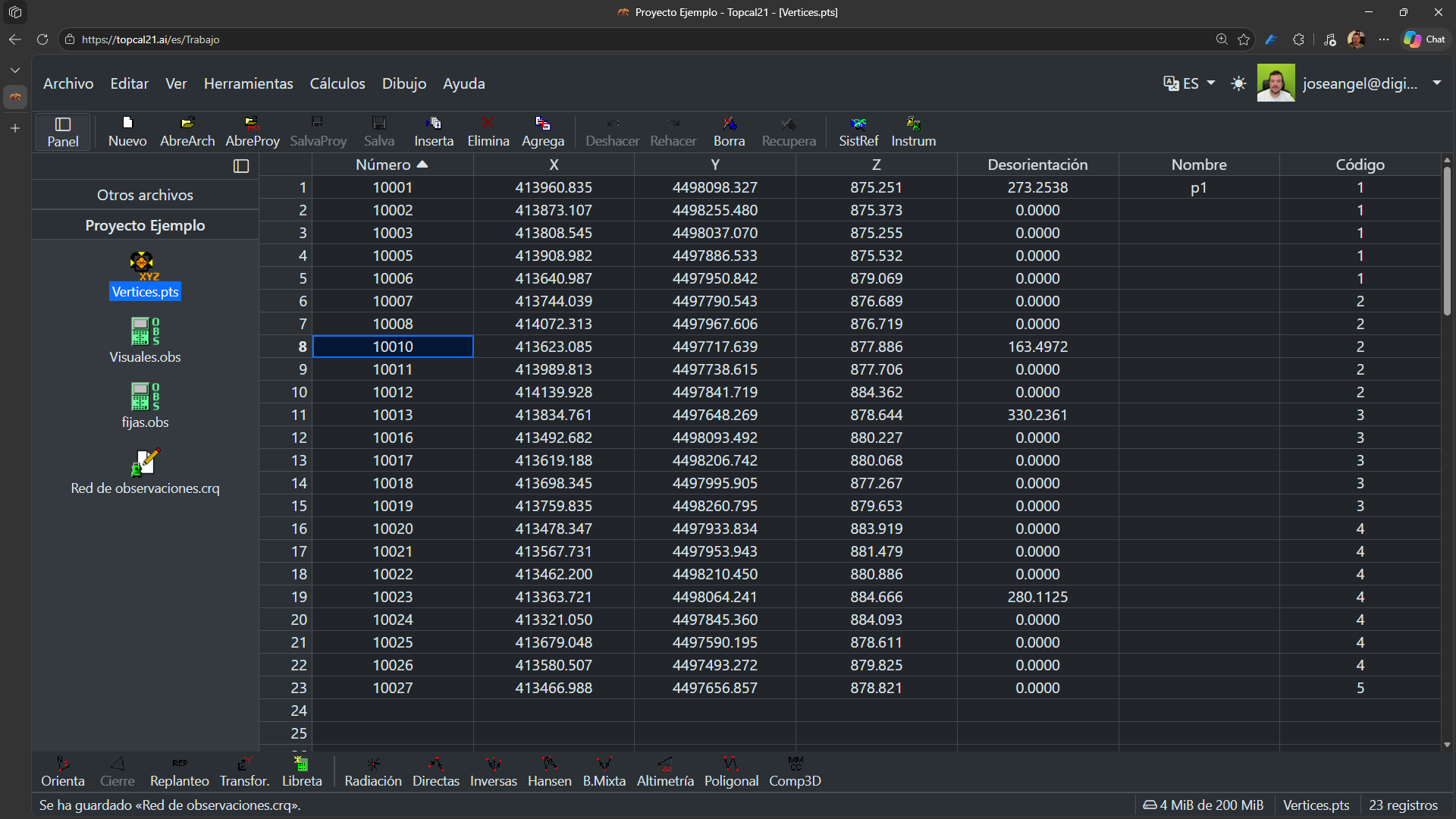
Topcal21 web opens and saves the same files as the desktop version (.prt, .pts, .obs and .crq), so you can start a project at the office and continue on another computer. Each user has their own storage space, with folders to organize projects.
An example: least squares network adjustment
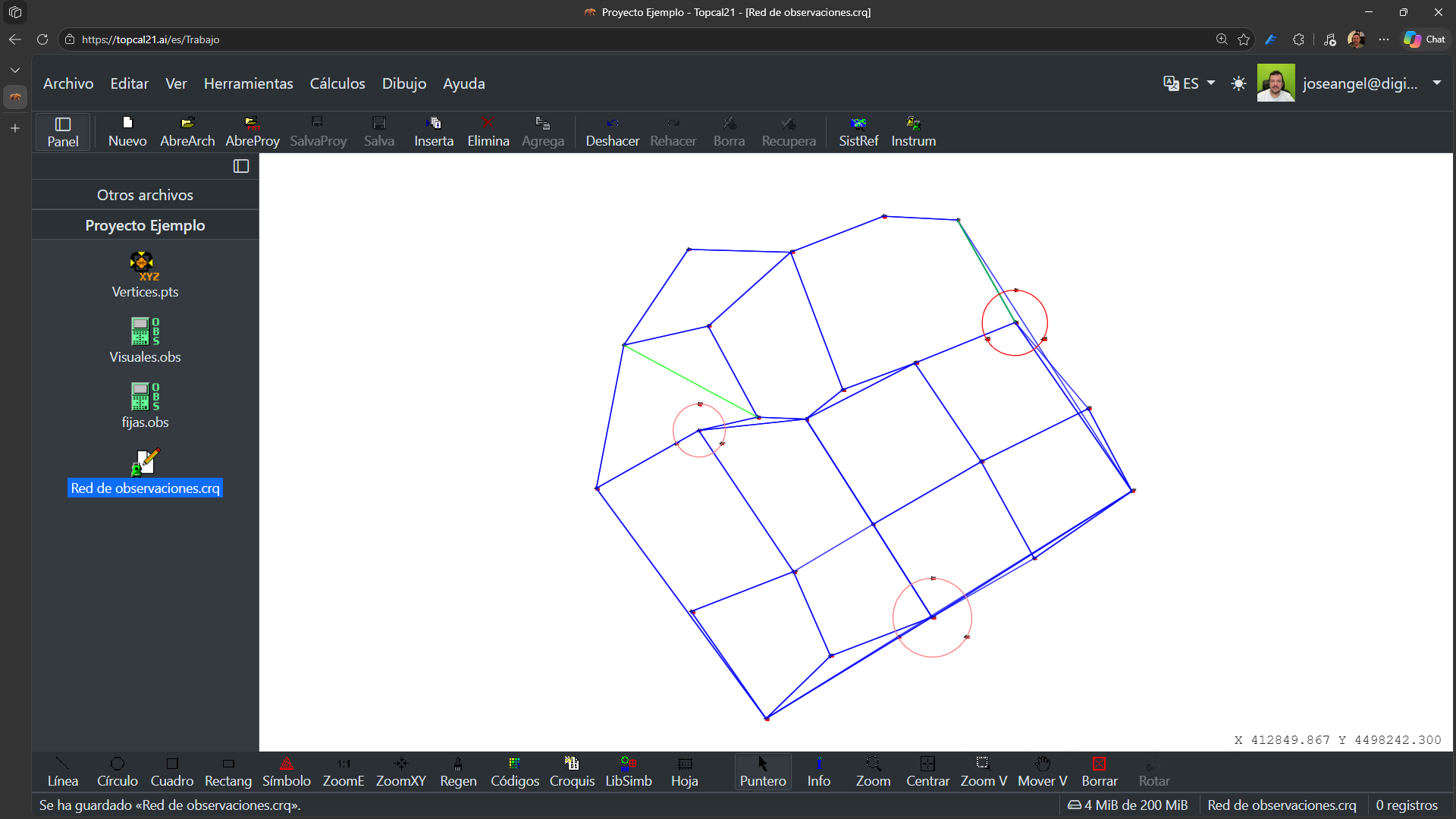
The following screenshots show a sample project with 23 vertices. This is the sketch of the observation network:
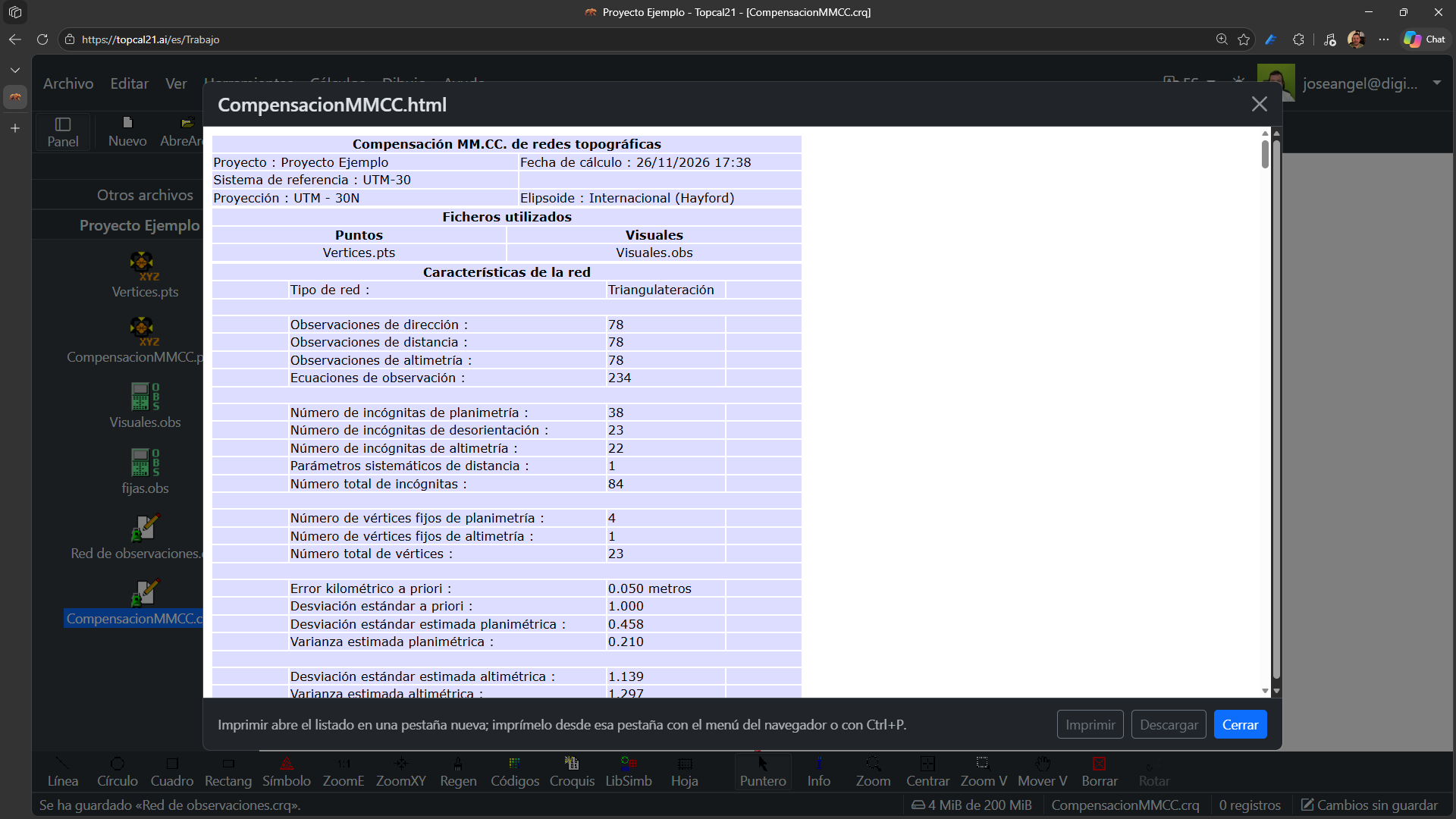
The least squares adjustment uses 78 direction, 78 distance and 78 height observations, with 4 fixed vertices in planimetry and 1 in altimetry. You can print or download the report from the browser:
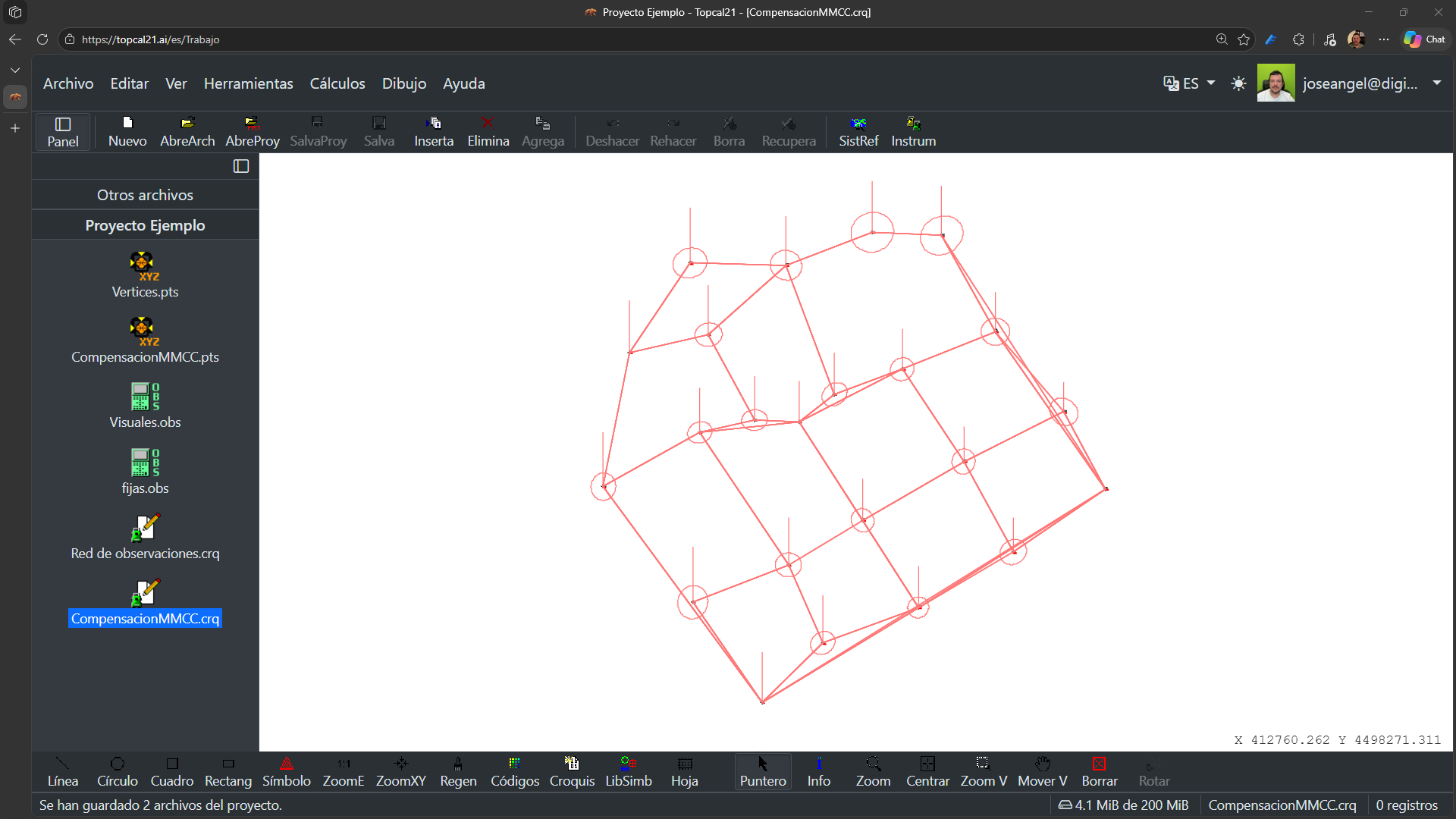
When it finishes, Topcal21 web generates the sketch of the adjusted network:
Getting started
During the launch period, use is free.
- Go to https://topcal21.ai.
- Sign in with your digi21.net account, or create one.
- Open File > My folders and files, upload your files and open the project.
We would love to hear from you: if you try it with a real project, let us know how it works.